How to Choose the Right Laptop for School or Office Work
 Written by computersolutionsaccessoriesSeptember 10, 2026
 How to Choose the Right Laptop for School or Office Work
Why Choosing the Right Laptop Matters
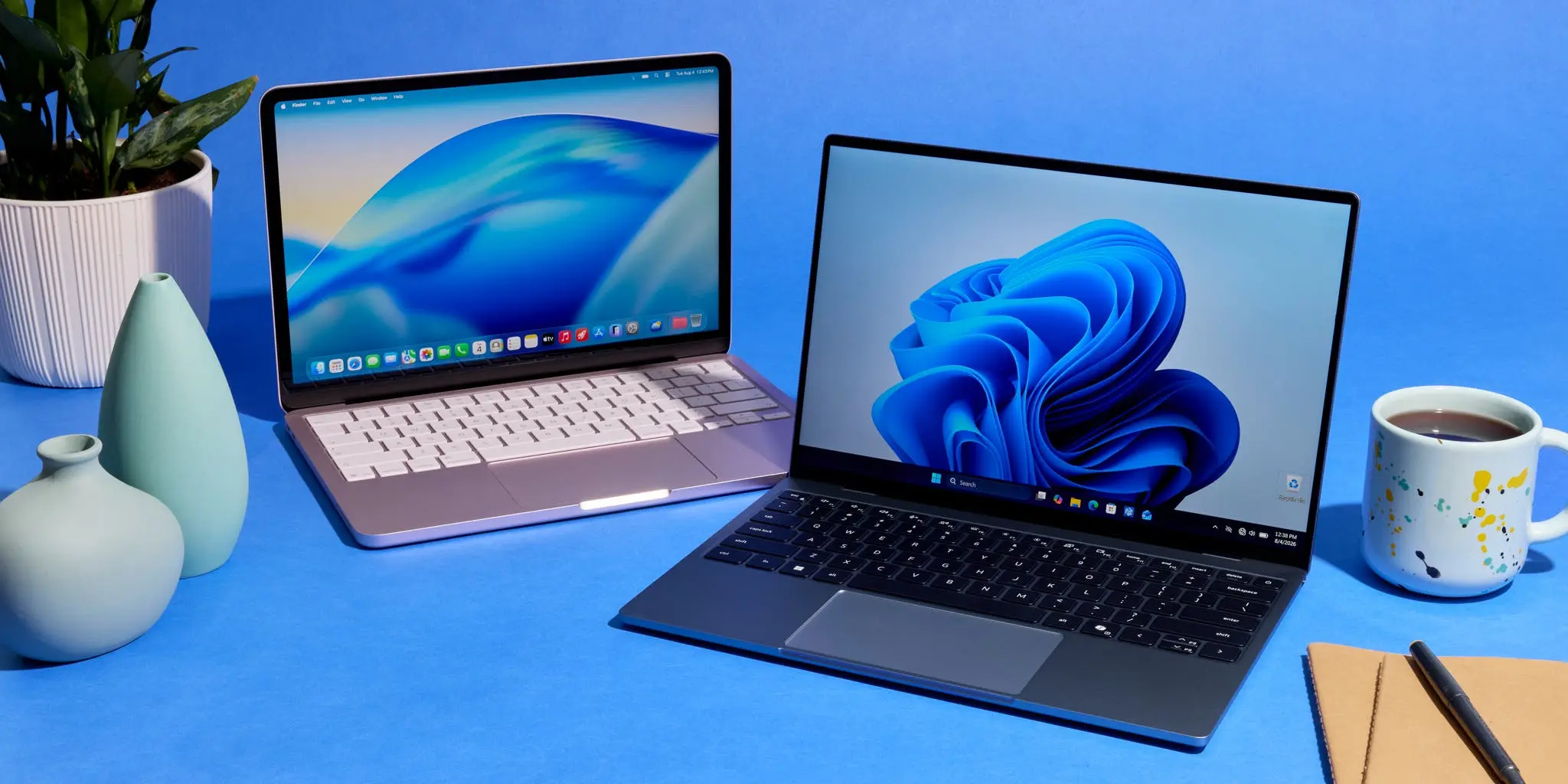
A laptop is one of those purchases you live with every day, for schoolwork, for running a business, or for keeping up with a job that depends on being online. Buying the wrong one, too weak for what you actually do, too heavy to carry around, or with a battery that never lasts the day, is a frustration that follows you for years rather than weeks. This guide walks through the questions worth asking before you buy, so the laptop you choose actually fits your life rather than just fitting your budget on the day.
Decide What You Will Mainly Use It For
Before looking at specifications, it helps to be honest about what the laptop is mostly going to do. A student writing assignments, browsing research, and joining the occasional video call has very different needs from a small business owner managing spreadsheets, invoices, and design work, or a graphics or video editor working with large files every day. Write down the two or three things you'll use the laptop for most, and let that guide every decision below, rather than being swayed by whichever model looks newest on the shelf.
If you're comparing options in person, our Laptops and Desktops range covers a mix of everyday and higher performance machines, and our team can talk through what actually suits your use case rather than just the most expensive option available.
RAM and Storage, What You Actually Need
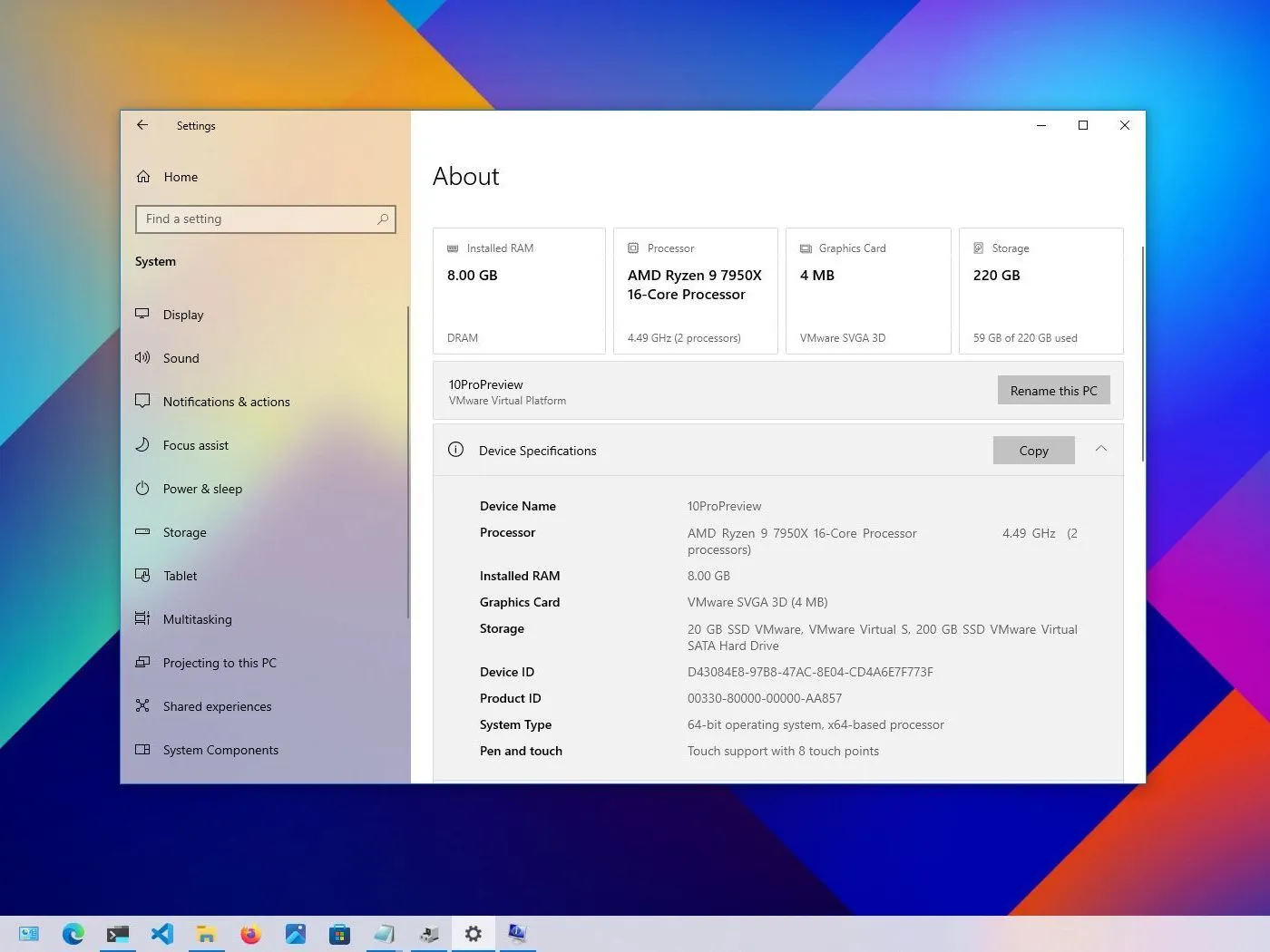
RAM is what determines how smoothly a laptop handles several things open at once, while storage is where your files, photos, and installed programs live. For everyday tasks such as browsing, word processing, and video calls, 8GB of RAM is usually enough, while 16GB is a safer choice if you regularly have many browser tabs and programs open together, or work with photo and video editing software. For storage, an SSD (solid state storage) loads programs and starts up noticeably faster than older hard drive technology, and is worth prioritizing over raw storage size in most cases, since external or cloud storage can always cover the overflow.
Screen Size and Portability
A larger screen, 15 inches and above, is easier on the eyes for long work sessions and better suited to spreadsheets or design work, but adds weight and bulk if you're carrying it to school, between meetings, or around the office every day. A 13 to 14 inch screen strikes a good balance for most students and professionals who move around with their laptop regularly. If portability matters more than screen size to you, it's worth holding a few models in person before deciding, since weight and thickness vary more between laptops than most people expect.
Battery Life
Battery life is one of the specifications most affected by real world use rather than the number printed on the box, screen brightness, the number of open programs, and background updates all shorten it in practice. If you'll be using the laptop away from a power source for long stretches, during lectures, client visits, or simply because power isn't always reliable where you're working, look for a battery rated for at least 8 hours, and treat that figure as an estimate rather than a guarantee.
Build Quality and Handling Power Fluctuations
A laptop that gets carried in a bag daily, used on different surfaces, and occasionally bumped needs a sturdy hinge and a solid keyboard deck, cheaper builds tend to develop loose hinges or flexing keyboards well before the internal components show any wear. It's also worth protecting whatever laptop you choose from power surges and sudden outages, which can shorten a battery's lifespan or damage a charging circuit over time. Pairing your laptop with a reliable UPS or surge protector is a small additional cost that protects a much larger one.
Budget and Where to Buy in Buea
Set a budget range rather than a single number, since the right laptop for you might sit slightly above or below what you first had in mind once you've compared a few options in person. Buying from a local shop rather than an unfamiliar online listing also means you can test the actual unit, ask questions about the specification in front of you, and have somewhere to turn if something needs attention after the sale. You're welcome to visit us at Sosoliso Papergate Building, Buea, to compare laptops side by side, and our Return Policy and Shipping Policy pages cover what happens if you order online and something isn't quite right.
A Quick Checklist Before You Buy
- You've identified the two or three things you'll mainly use the laptop for.
- The RAM and storage suit that use, not just the lowest price on the shelf.
- The screen size and weight fit how often you'll be carrying it around.
- You've asked about battery life under real use, not just the number on the box.
- You've checked the build quality in person, hinge, keyboard, and overall feel.
- You have a plan for power protection, such as a UPS or surge protector.
- You know the return and warranty terms before you pay.
Final Thoughts
The right laptop is the one that matches how you actually work, not the one with the longest list of specifications. Take the time to think through what you need it for, ask questions before you buy, and choose a shop that will still be there to help if something needs attention later. If you're not sure where to start, our team is glad to walk through the options with you, in person or over WhatsApp, with no pressure to buy on the spot.
Not sure which laptop is right for you?
Tell us what you'll be using it for, and we'll point you toward a few options that actually fit, in person at our store or over WhatsApp.