Essential Computer Accessories Every Home Office Needs
 Written by computersolutionsaccessoriesSeptember 10, 2026
 Essential Computer Accessories Every Home Office Needs
Why the Right Accessories Matter More Than People Think
A laptop alone can technically do the job, but the right accessories are what turn a kitchen table setup into a workspace you can actually sit at comfortably for a full day. The difference shows up in small ways at first, wrist strain from a cramped built in keyboard, squinting at a small screen, a call that keeps cutting out, but these small frictions add up over weeks and months of daily use. A modest investment in the right accessories tends to pay for itself many times over in comfort and fewer interruptions.
A Comfortable Keyboard and Mouse
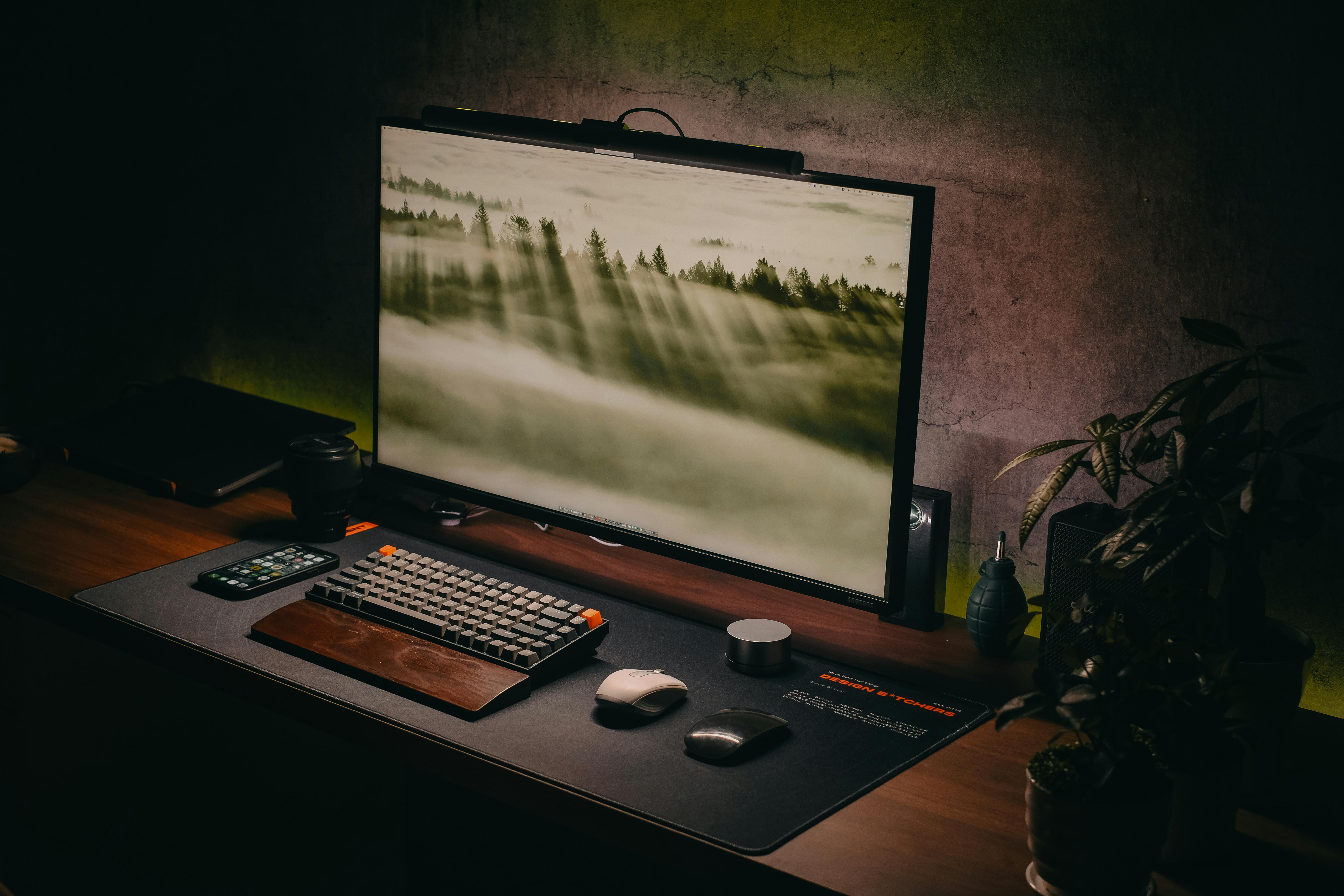
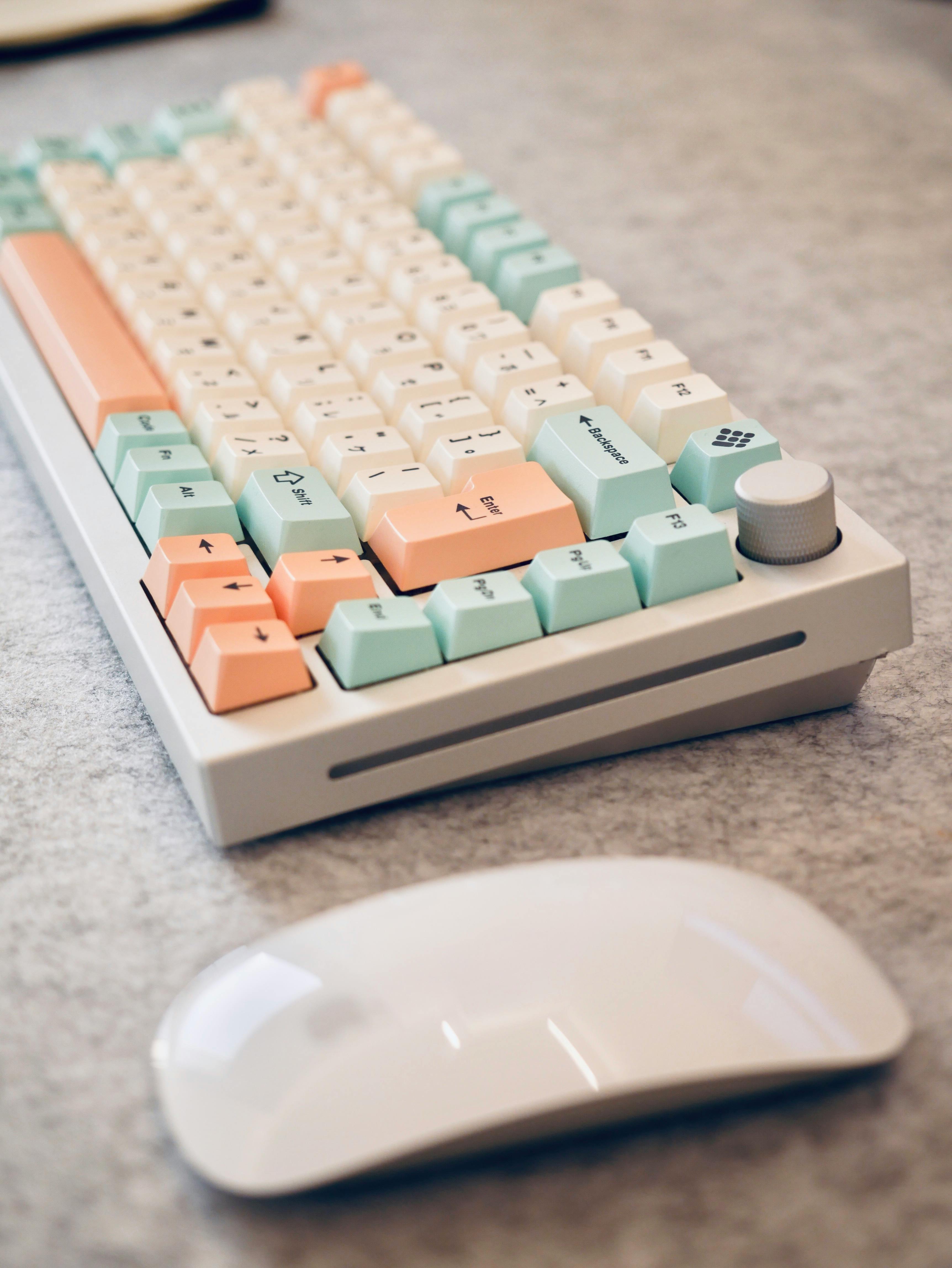
A laptop's built in keyboard and trackpad are designed for portability, not for hours of daily typing, so a separate keyboard and mouse make a real difference once a laptop becomes your main workstation. Look for a keyboard with a comfortable key travel and a mouse that fits your hand properly, since these are the two devices you'll be touching almost constantly throughout the day. Wireless versions reduce desk clutter, though it's worth keeping a spare set of batteries or a charging cable on hand so a dead battery never interrupts your work.
An External Monitor for More Screen Space
Working from a single laptop screen means constantly switching between windows, while an external monitor lets you keep a document, a spreadsheet, and a browser visible at the same time, which genuinely speeds up most kinds of work. Even a single additional monitor makes a noticeable difference, and it's one of the accessories people tend to underestimate until they've actually tried working with the extra space.
A Reliable Webcam and Headset
If video calls are part of your work, a laptop's built in camera and microphone are often just adequate rather than genuinely good, particularly in a room with imperfect lighting or background noise. A dedicated webcam improves how clearly you're seen, and a headset with a proper microphone improves how clearly you're heard, both of which matter more than most people realize until a call keeps breaking up or a client can't quite make out what was said.
Cable Management and Power Strips
A desk with cables running in every direction isn't just untidy, it's also a genuine hazard, tangled cables get caught, pulled, and eventually damaged. A simple power strip with enough outlets for your monitor, laptop charger, and other devices, along with basic cable clips or a cable sleeve, keeps a desk both safer and easier to work at. This is a small, inexpensive fix that makes a surprisingly large difference to how a workspace actually feels day to day.
External Storage and Backup Devices
Relying on a single laptop drive for everything important is a risk most people only think about after losing something. An external hard drive or a reliable backup routine protects your files if your laptop is ever lost, stolen, or develops a fault, and it's a far cheaper safeguard than trying to recover data after the fact, which isn't always possible. If you handle large files regularly, photos, videos, or design work, additional external storage is also simply practical for keeping your laptop's own drive from filling up.
A Laptop Stand or Cooling Pad
Using a laptop flat on a desk for long stretches isn't ideal for either your posture or the laptop itself, since it restricts airflow to the vents underneath. A laptop stand raises the screen to a more comfortable eye level and improves airflow at the same time, and pairing it with an external keyboard and mouse lets you set the screen at the right height without compromising on typing comfort. A cooling pad is a simpler, cheaper alternative if a full stand isn't practical for your setup.
Surge Protection for Your Setup
Once you've invested in a monitor, external drive, and other accessories, it's worth protecting all of it, not just the laptop itself. A basic surge protector is inexpensive compared to the cost of replacing a monitor or drive damaged by a power spike, and it's one of the easiest upgrades to make once your accessories are in place. Our Power Solutions range includes surge protectors and small UPS units sized for a single desk setup.
Accessories That Are Often Overlooked
A few smaller items tend to get forgotten until their absence becomes annoying, a laptop lock if you work somewhere shared or public, a decent desk lamp if your workspace doesn't get much natural light, and a simple document holder if you regularly reference paperwork while typing. None of these are essential in the way a keyboard or monitor is, but each solves a specific, recurring annoyance once you notice it.
Budgeting for Accessories Without Overspending
It's easy to either underspend on accessories, ending up with a setup that's uncomfortable daily, or overspend on features you'll rarely use. A sensible approach is to prioritize whatever you interact with the most, usually the keyboard, mouse, and monitor if you're using them for hours every day, and treat smaller items as things you can add gradually rather than all at once. Building a setup over a few purchases rather than one large one also makes it easier to notice what you actually use and what you don't.
Common Mistakes We See
A few patterns come up often when people put together a home office setup:
- Buying the cheapest keyboard and mouse available, then replacing them within months due to discomfort or wear.
- No surge protection for a monitor or external drive, even though the laptop itself is protected.
- Skipping an external monitor to save money, then losing real time to constantly switching windows.
- No backup plan for important files until after something goes wrong.
- A tangle of cables that eventually causes a connector to wear out or get damaged.
A Few Quick Questions Answered
Do I need all of these accessories at once? Not at all, prioritizing whatever you use most, usually the keyboard, mouse, and monitor, and adding the rest gradually is a perfectly practical approach.
Is a wireless keyboard and mouse worth it over a wired one? It comes down to preference, wireless reduces desk clutter but needs occasional charging or battery changes, while wired never runs out of power but adds a cable to manage.
What's the single most valuable accessory to start with? For most people working from a laptop daily, an external monitor tends to make the biggest difference to comfort and productivity, followed closely by a proper keyboard and mouse.
Final Thoughts
A comfortable, well equipped home office doesn't need to happen all at once, or cost more than it should, it just needs the right pieces added in the right order. If you're setting up a workstation from scratch, our guide on choosing the right laptop is a good place to start before adding accessories on top. Our Computer Accessories range covers everything mentioned here, and our team is happy to help you prioritize what to buy first based on how you actually work.
Setting up a home office?
Tell us what you're working with, and we'll help you prioritize which accessories to add first, in person or over WhatsApp.