Desktop or Laptop: Which One Fits Your Needs
 Written by computersolutionsaccessoriesSeptember 10, 2026
 Desktop or Laptop: Which One Fits Your Needs
Why This Decision Is Worth Thinking Through
Desktop or laptop is usually the first question anyone asks before buying a new computer, and it's worth more than a quick guess. Both do the same basic job, running the programs and browsers you rely on, but they suit different habits, spaces, and budgets. If you've already read our guide on choosing the right laptop, this one steps back a level, to help you decide whether a laptop is even the right category for you in the first place, or whether a desktop makes more sense.
What a Desktop Does Better
For the same amount of money, a desktop generally offers more processing power and storage than a laptop, since it doesn't need to fit everything into a slim, battery powered case. That makes desktops a strong choice for tasks that lean on raw performance, accounting software with large files, design work, or simply running several programs at once without things slowing down. A desktop is also easier and usually cheaper to upgrade later, adding memory or storage is a straightforward job rather than something only some laptop models allow.
What a Laptop Does Better
A laptop's advantage is obvious, it goes where you go. If you move between rooms, take work to a client, study in different locations, or simply want your computer put away when you're not using it, a laptop fits that pattern in a way a desktop never will. Battery life also means a laptop keeps working through a power outage, something worth weighing seriously if you're deciding between the two in an area where power isn't always constant.
Performance for the Price
If your budget is tight and performance matters most, a desktop typically gives you more RAM and processing power for the price than a laptop at the same cost, since desktop components are generally less expensive to produce than their compact laptop equivalents. If portability isn't a priority for you, this is usually where a desktop pulls ahead.

Space, Setup, and Where You'll Use It
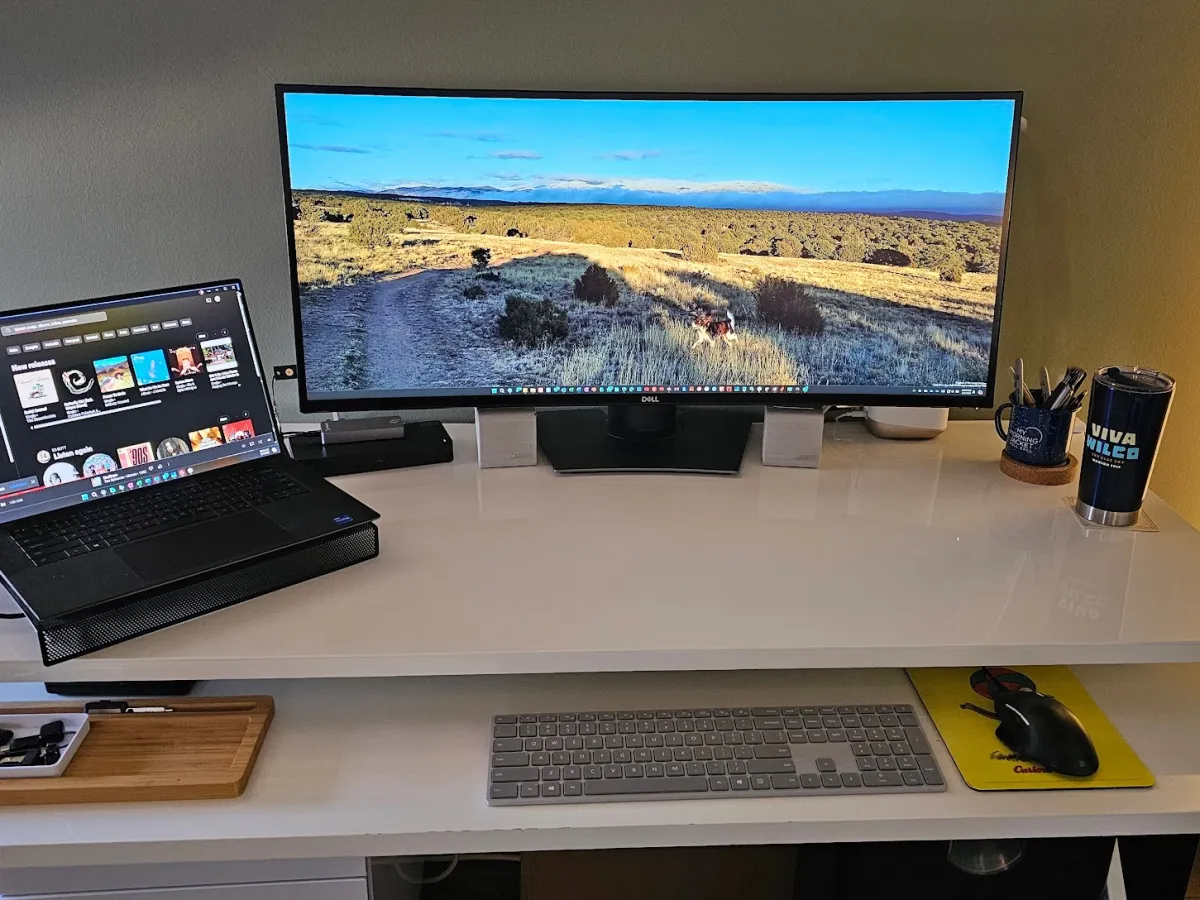
A desktop needs a permanent spot, a desk with room for the tower, monitor, keyboard, and mouse, while a laptop can be used on a kitchen table, a couch, or tucked into a bag between uses. If space at home or in the office is limited, or if the computer needs to move between locations regularly, that alone can settle the decision before performance even comes into it. You can browse both categories together under our Laptops and Desktops range, alongside the accessories you'd need to complete a desktop setup, a monitor, keyboard, and mouse if they're not already included.
Upgrading and Repairs Over Time
Desktops are generally easier to repair and upgrade over their lifetime, individual parts can often be replaced on their own rather than needing the whole machine serviced. Laptops trade that flexibility for portability, and repairs sometimes take a little longer since components are more tightly packed. Either way, buying from a shop that also handles repairs means you're not left guessing who to call if something needs attention down the line.
Power Reliability in Buea
Power interruptions are worth planning around regardless of which you choose. A laptop's built in battery naturally bridges a short outage, while a desktop depends entirely on the power supply, which makes a UPS a practical addition rather than an optional extra if you go the desktop route. Our Power Solutions range covers UPS units and other backup power options sized for a single desktop setup or a full office.
Which One Should You Choose
As a general starting point, lean toward a desktop if you mostly work from one fixed spot, want the strongest performance for your budget, and don't mind a UPS handling power interruptions. Lean toward a laptop if you move around during the day, need your computer to keep working through a power cut, or simply don't have the desk space for a full setup. Some people end up wanting both, a desktop as their main workstation and a laptop for anything on the move, which is worth considering if your budget allows for it over time rather than all at once.
Final Thoughts
There's no single right answer here, only the setup that matches how you actually work and live. Think through where you'll use the computer, how much it needs to move, and what you're willing to spend on power protection either way. If you're still weighing it up, bring your questions to our store or send them over WhatsApp, and we'll help you compare real options rather than guess from a spec sheet alone.
Still deciding between the two?
Tell us how and where you'll be using it, and we'll help you compare desktop and laptop options that actually fit, in person at our store or over WhatsApp.