Simple Ways to Extend the Life of Your Laptop
 Written by computersolutionsaccessoriesSeptember 10, 2026
 Simple Ways to Extend the Life of Your Laptop

Why Laptop Care Matters
A laptop that's looked after well can comfortably outlast one that isn't, and the difference usually comes down to a handful of small habits rather than anything expensive or technical. Dust, heat, rough handling, and poor charging habits are the most common reasons a laptop starts slowing down or developing problems earlier than it should. None of what follows takes much effort, but done consistently, it adds up to real savings on repairs and replacement over time.
Keep It Clean, Inside and Out
Dust buildup around the keyboard and vents is one of the most overlooked causes of a laptop running hot and loud. Wipe the screen and keyboard regularly with a soft, slightly damp cloth, avoiding harsh cleaners, and use a can of compressed air every few months to clear dust from the vents and fan. If you eat or drink near your laptop, a keyboard cover is a small, inexpensive way to prevent spills from causing far more expensive damage.
Charging and Battery Habits That Help
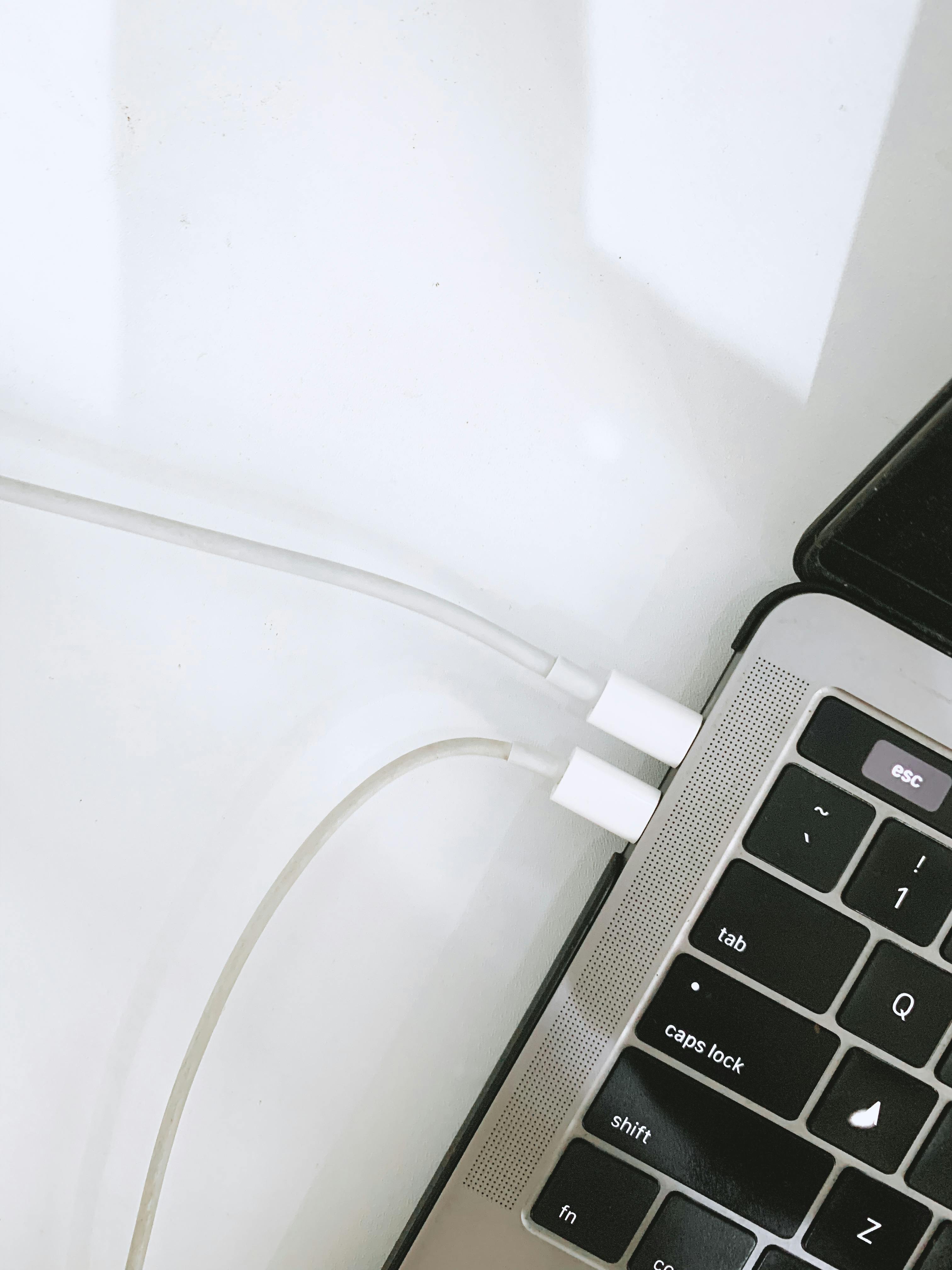
Modern laptop batteries last longest when kept between roughly 20 and 80 percent charge rather than constantly running down to zero or sitting plugged in at 100 percent for long periods. Where your laptop's settings allow it, enabling a battery health or charge limit feature helps with this automatically. Extreme heat is also hard on lithium ion batteries, so avoid leaving your laptop charging under direct sun or inside a closed bag for extended periods.
Protect It From Heat
Using a laptop on a soft surface like a bed or a cushion blocks the vents underneath and traps heat, which over time can affect performance and shorten the lifespan of internal components. A hard, flat surface, or a laptop stand with some airflow underneath, keeps things running cooler. If your laptop feels unusually hot during normal use, that's often an early sign the vents need cleaning rather than something more serious.
Handle It With Care When Moving It
Always shut a laptop down or put it to sleep before moving it, especially if it has a traditional hard drive rather than an SSD, since sudden movement while the drive is active can cause damage. Carry it in a padded sleeve or bag rather than loose, and avoid stacking heavy items on top of it, even briefly. These are small habits, but they prevent the kind of accidental damage that's far more common than most people expect.
Keep Software and Storage Tidy
A laptop with very little free storage space tends to slow down noticeably, so it's worth clearing out old files, downloads, and programs you no longer use every so often. Keeping your operating system and antivirus software up to date also closes security gaps and often improves performance, since updates regularly include fixes for exactly these kinds of slowdowns. If you're not sure what's safe to remove, it's worth asking rather than guessing, since some system files look unfamiliar but are essential.
Protect It From Power Fluctuations
Sudden power cuts and voltage spikes are hard on a laptop's charging circuit and battery over time, even though the built in battery offers some protection compared to a desktop. Charging through a surge protector, or ideally a small UPS, adds a layer of protection worth having if power in your area isn't always steady. Our Power Solutions range includes options sized for a single laptop charger up to a full desk setup.
When to Call a Professional
Some issues are worth handling yourself, cleaning, tidying storage, adjusting charging habits, but others are worth bringing to someone who can look at the hardware directly, unusual noises, a battery that drains far faster than it used to, or a laptop that shuts down unexpectedly. Trying to fix hardware issues without the right tools or experience can sometimes turn a small problem into a bigger one. Our technicians diagnose the issue first and always confirm the cost before any work begins, so bringing it in early rather than waiting is usually the cheaper option in the long run.
Final Thoughts
None of these habits take much time individually, cleaning it occasionally, charging it sensibly, keeping it cool, and handling it carefully, but together they make a real difference to how long a laptop keeps running well. If your laptop is already showing signs of trouble, or if it's reaching the point where a repair no longer makes sense, our guide on choosing between a desktop and a laptop is a good next read.
Laptop acting up?
Bring it in for a diagnosis, we'll tell you exactly what's wrong and what it costs before any work begins.