
Why Every Small Business in Buea Needs a Reliable Network
 Written by computersolutionsaccessoriesSeptember 10, 2026
 Why Every Small Business in Buea Needs a Reliable Network
Why This Matters More Than Most Businesses Realize
Almost every small business today depends on the internet for something, taking payments, checking stock, communicating with suppliers, or simply staying reachable by phone and email throughout the day. Yet the network carrying all of that, the routers, cables, and Wi Fi that connect everything together, is often the part of the business that gets the least attention until it fails. A single unreliable connection can quietly cost a business far more in lost time and lost sales than the price of setting it up properly in the first place.
This matters just as much for a small shop with two or three computers as it does for a larger office with a dozen staff. The scale changes, but the underlying problem doesn't, a network that wasn't planned properly tends to develop the same issues everywhere, dropped connections, slow speeds when more than one device is active, and no easy way to figure out what went wrong when something stops working.
What Actually Counts as a Reliable Network
A reliable network isn't just an internet connection that works most of the time, it's one that stays consistent under real daily use, handles the number of devices actually connected to it, and fails gracefully when something does go wrong rather than taking the whole office offline. That means proper cabling where it makes sense, Wi Fi access points positioned to actually cover the space being used, and equipment that's suited to the number of people and devices relying on it, not whatever was cheapest or already lying around.
It also means having some way to know what's happening on the network, even something as simple as knowing which devices are connected and being able to restart the right piece of equipment when there's a problem, rather than unplugging everything and hoping.
Lost Time Adds Up Fast
When a network drops or slows down, work doesn't stop, it just gets slower and more frustrating, staff refreshing a page repeatedly, a payment system that hangs at the worst possible moment, or a video call that keeps cutting out during an important conversation. None of these individually feel like a disaster, but added up across a week, a month, or a year, the lost time behind a shaky network is significant, even if it never shows up as a single obvious cost on a balance sheet.
It's also worth remembering that this cost falls on staff morale as much as on productivity. A team that spends part of every day fighting with a slow connection tends to notice, and it colors how they feel about coming to work, even when the underlying issue has nothing to do with them personally.
Slow or Unstable Connections Hurt the Customer Experience
If your business takes mobile money payments, looks up stock for a customer standing at the counter, or relies on an internet connection for anything a customer can see or is waiting on, network problems become the customer's problem too. A payment that takes an extra minute to go through, or a system that needs restarting while someone waits, chips away at how professional and dependable your business feels, even if everything else about the experience was excellent.
The Security Risks of a Poorly Set Up Network
A network thrown together without much planning is also more exposed than most business owners realize. A shared Wi Fi password that's never changed, guest devices connected to the same network as business computers, or a router left on its default factory settings, are all ways an outside device could end up with more access than it should have. This isn't about assuming the worst, it's about the same basic housekeeping that locking your shop door represents, a small effort that closes off an entire category of risk.
Separating guest or customer Wi Fi from the network your business computers and payment systems use is one of the simplest improvements available, and it's something we set up as standard whenever we install a network for a business.
Supporting Multiple Devices Without Slowdowns
A network that worked fine with two computers and a phone often struggles once a business grows to include a handful of staff laptops, a couple of point of sale devices, security cameras, and everyone's personal phones connecting during the day. Every additional device shares the same available bandwidth and, depending on the equipment, the same limited connection capacity, so what felt reliable at a small scale can become genuinely frustrating as a business adds people and devices without ever upgrading the network underneath them.
Wired or Wireless, What Small Businesses Actually Need
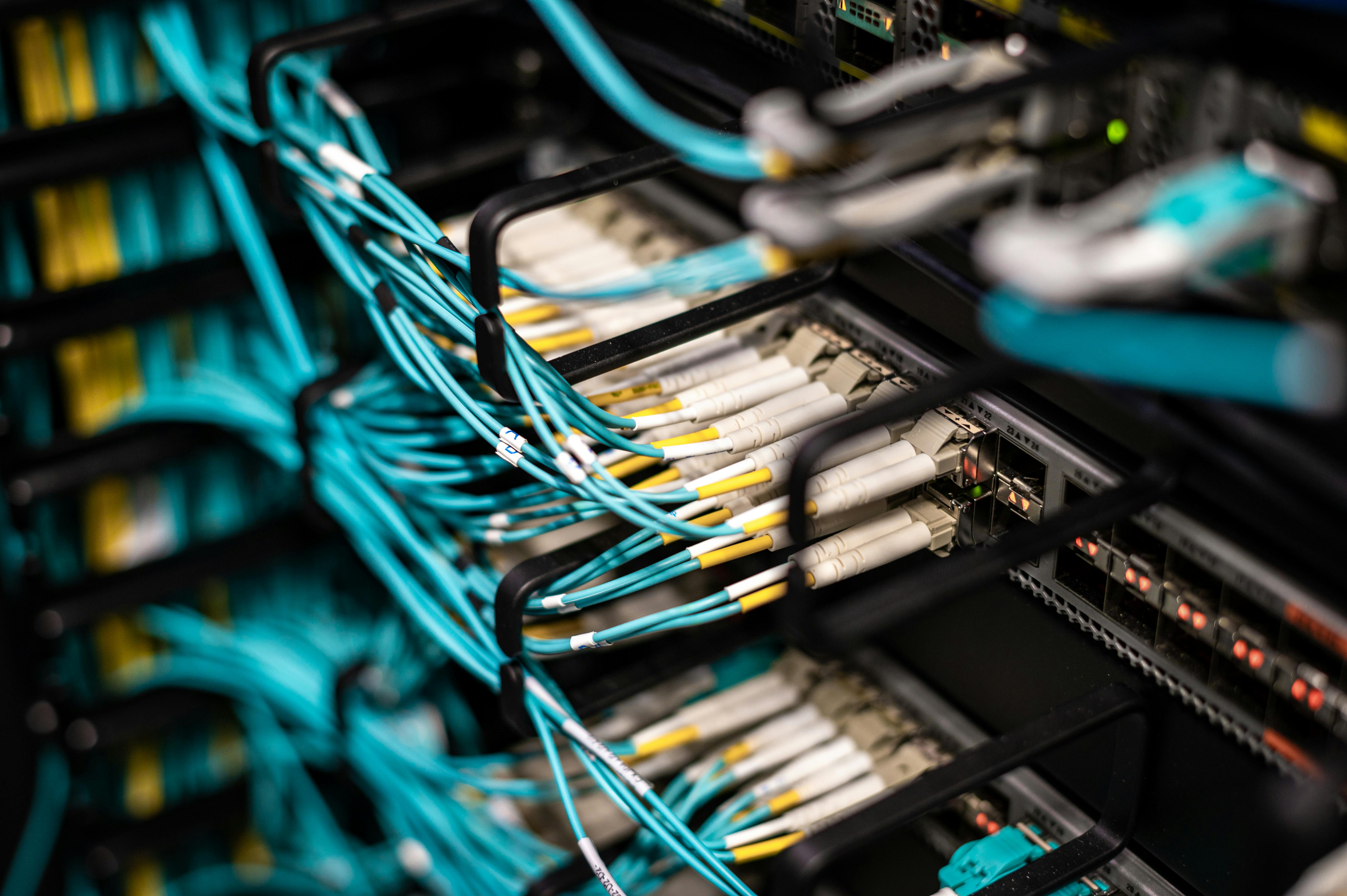
Wi Fi is convenient, but it isn't always the right choice for every device. A desktop computer, a point of sale terminal, or a security camera that never moves benefits from a wired connection, which tends to be more stable and less prone to interference than Wi Fi, especially in a busy area with several networks nearby. Wi Fi still makes sense for staff laptops, phones, and anything that genuinely needs to move around the space, so a well planned network for most small businesses ends up using a mix of both rather than leaning entirely on one or the other.
Planning for Growth, Not Just Today
It's tempting to set up exactly what's needed right now and nothing more, but a network built with zero room to grow often needs to be redone entirely within a year or two, which usually costs more than planning slightly ahead would have in the first place. Leaving a little extra capacity, an extra network port here, a router rated for more devices than you currently have, means the next new till, camera, or staff laptop can simply be added rather than triggering another full setup.
The Cost of Doing Nothing
Doing nothing about a network that's already causing problems doesn't actually avoid the cost, it just spreads it out in a way that's harder to see, a little lost time here, a customer who waits a bit longer there, a staff member who quietly stops trusting the payment system during busy periods. None of that shows up as a single bill, but it adds up to real money and real frustration over time, usually far more than a proper setup would have cost to begin with.
Common Mistakes We See in Small Business Networks
A few issues come up again and again when we're called in to look at a struggling business network:
- A single router trying to cover a space far larger than it was designed for, leaving weak spots with no signal.
- Business computers, customer Wi Fi, and security cameras all sharing one network with no separation.
- Cabling run without any planning, making it hard to trace or fix later without disturbing everything else.
- No backup power for the router or switch, so a short power cut takes the whole network down with it.
- Equipment that was never rated for the number of devices now actually connecting to it.
Any one of these on its own might not cause a visible problem every day, but together they're usually the reason a network feels unreliable without anyone being able to say exactly why.
What a Professional Network Setup Actually Involves
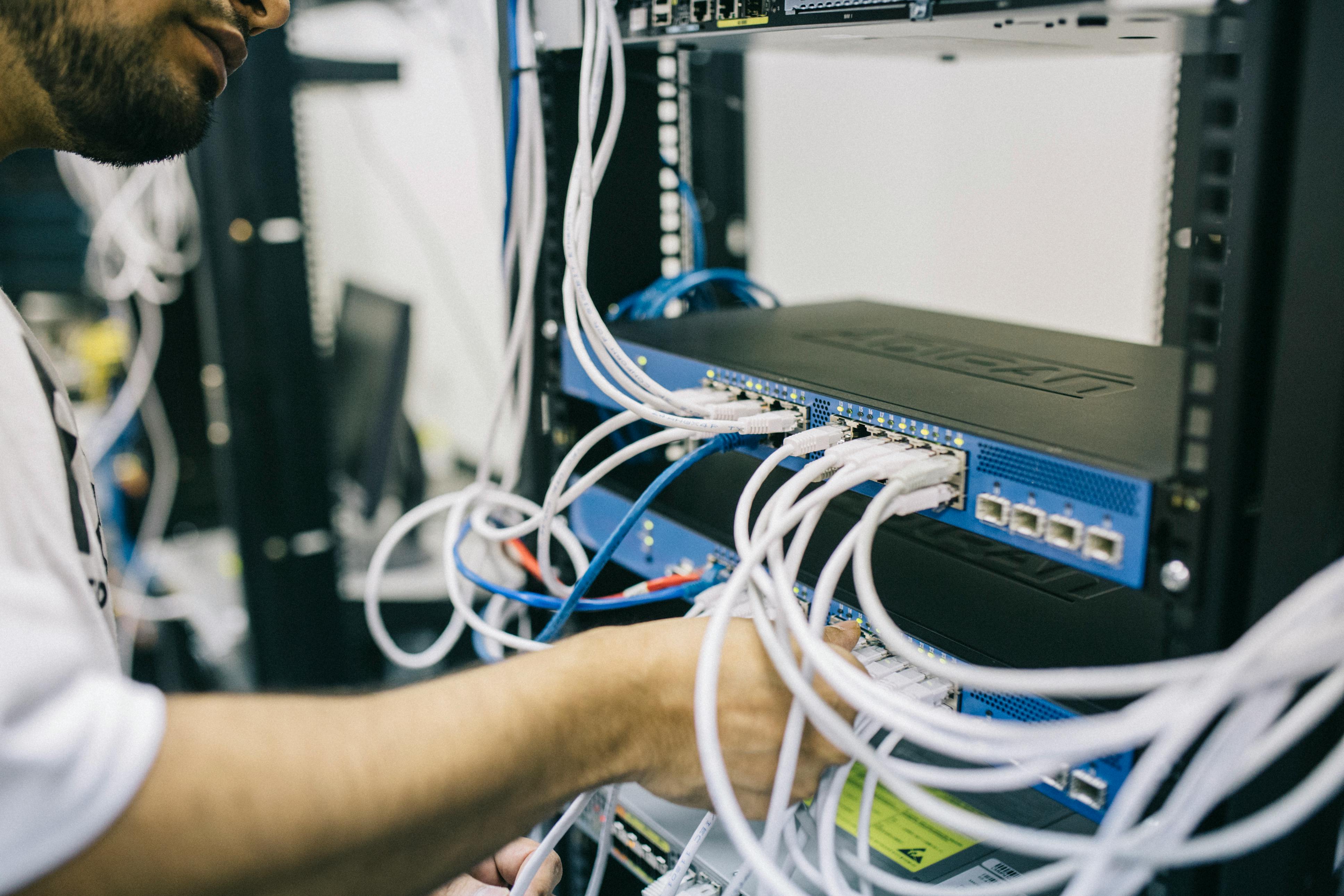
A proper network setup starts with actually looking at the space, how many people and devices will use it, where they sit or move around, and what's already in the walls or ceiling that can be used or needs replacing. From there it usually means choosing the right router and access points for the space rather than the cheapest available, running or organizing cabling sensibly, separating business and guest traffic, and testing coverage throughout the space rather than just near the router itself. We also recommend pairing key network equipment with a small UPS, so a brief power cut doesn't take your whole network offline along with the lights.
Our Networking Equipment range covers routers, access points, switches, and cabling for setups of any size, and our team can design and install the whole thing rather than leaving you to piece it together.
A Few Quick Questions Answered
How long does a small office network installation usually take? It depends on the size of the space and how much cabling is involved, but most small office setups are completed within a day, with anything larger scheduled around your business hours to minimize disruption.
Can an existing network be improved without starting over? Often, yes. Sometimes the biggest improvement is simply repositioning equipment, separating guest and business traffic, or adding one additional access point, rather than replacing everything.
Do I need business grade equipment, or will consumer routers work? For a very small setup with only a few devices, a good consumer router can be enough, but as the number of devices and the importance of staying online both grow, business grade equipment generally pays for itself in reliability.
Final Thoughts
A reliable network isn't the most exciting thing to invest in, it's not something customers notice when it works, only when it doesn't. But for almost any small business today, it sits quietly underneath everything else the business does, and getting it right the first time is usually far cheaper than living with a network that half works for years. If you'd like a straightforward look at how your current setup could be improved, we're happy to come take a look, or you can browse our Networking Equipment range to see what's involved. Our next post covers the security side of protecting your business, in choosing the right security cameras.
Is your network holding your business back?
Tell us about your space and how many people and devices need to connect, and we'll recommend a setup that actually fits, in person or over WhatsApp.