Protecting Your Home or Office with the Right Security Cameras
 Written by computersolutionsaccessoriesSeptember 10, 2026
 Protecting Your Home or Office with the Right Security Cameras
Why Security Cameras Are Worth the Investment
A visible, working camera system does two things at once, it discourages trouble before it happens, and it gives you real information if something does happen anyway. For a home, that might mean knowing who's at the gate before you open it, or having footage if a delivery goes missing. For a business, it often means watching over stock, a till area, or simply having a record of what happened during business hours if a dispute ever comes up. Either way, the value isn't only in catching something on camera, it's in the peace of mind of knowing you can check.
Cameras also tend to change behavior simply by being visible. Staff, visitors, and anyone passing by generally act differently when they know an area is being recorded, which on its own prevents a good number of problems before a camera ever needs to be reviewed.
What a Good Camera System Actually Does
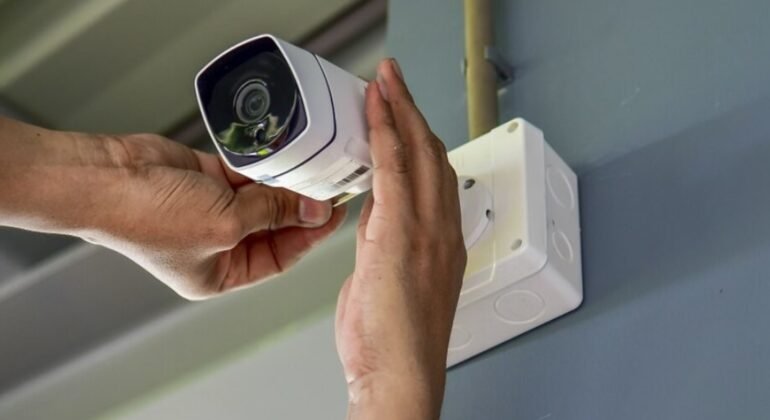
A well planned CCTV system covers the areas that actually matter, entrances, tills, storage areas, or a compound gate, rather than being scattered without a clear reason for each camera's position. It records reliably, stores footage for long enough to actually be useful if you need to look back, and lets you check in on your property without needing to be there in person. A system that technically has cameras but doesn't do these things well isn't really giving you the protection you're paying for.
Indoor or Outdoor Cameras, What's the Difference
Outdoor cameras are built to handle rain, sun, dust, and temperature swings, and they're usually rated for this with a weatherproofing standard, while a camera meant for indoor use generally isn't built to survive being mounted outside for long. Using an indoor camera outdoors, even under a small overhang, tends to shorten its working life considerably. If you're covering both an outdoor compound and an indoor till area or stockroom, it's worth budgeting for the correct camera type for each location rather than trying to make one type do both jobs.
How Many Cameras Do You Actually Need
The right number of cameras depends entirely on the space, not on a general rule of thumb. A small shop might only need two or three cameras covering the entrance, the till, and the stockroom, while a compound with multiple entry points naturally needs more to avoid blind spots. It helps to walk the space and identify the two or three things you'd most want a record of if something went wrong, and work outward from there, rather than starting with a fixed number and trying to justify it afterward.
Resolution and Night Vision, What Matters
Higher resolution footage is more useful after the fact, since it's the difference between being able to identify a face or a number plate and only having a vague, blurry shape to go on. Night vision matters just as much, since a large part of what a camera is protecting against tends to happen after dark, and a camera with weak night vision can end up recording very little useful detail overnight, exactly when you're most likely to need it.
Wired or Wireless Cameras
Wired cameras tend to be more reliable over the long run, since they're not dependent on a Wi Fi signal that can weaken or drop, particularly for cameras positioned further from your router. Wireless cameras are quicker to install and easier to reposition later, which suits smaller setups or situations where running cable isn't practical. For a permanent installation covering a shop or compound, we generally recommend wired cameras wherever it's practical to run the cabling, with wireless used to fill in spots where cabling genuinely isn't an option.
Local Storage or Cloud Storage
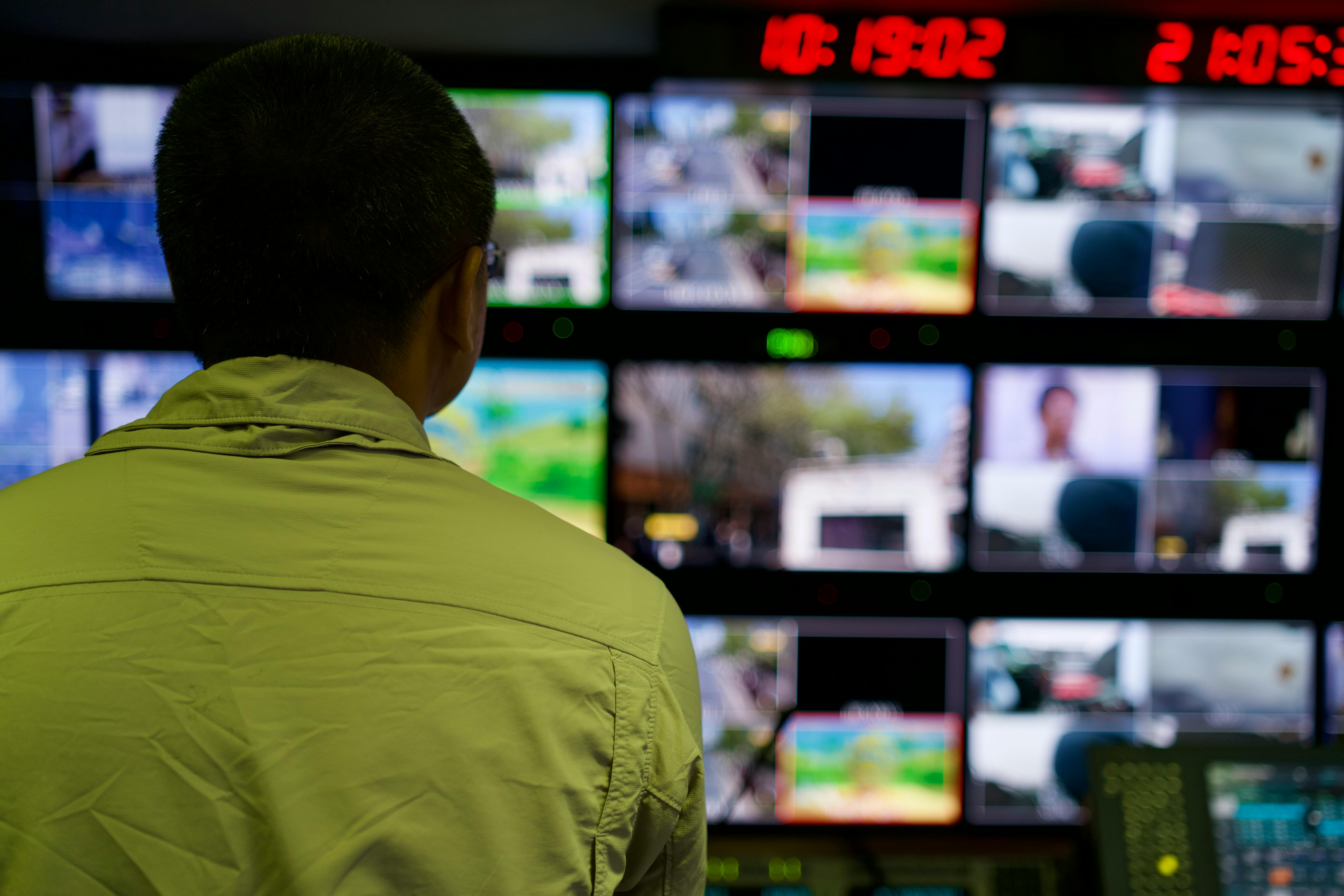
Footage generally gets stored either on a physical recorder kept on site, or uploaded to cloud storage accessed over the internet, and each has real tradeoffs. Local storage doesn't depend on your internet connection and usually costs less over time, but the footage is only as safe as the physical device it's stored on, so it's worth housing the recorder somewhere secure and out of easy reach. Cloud storage protects footage even if the on site equipment is damaged or stolen, but it depends on a stable internet connection and usually comes with an ongoing subscription cost. Many setups end up using a mix of both, local storage as the main record with select footage backed up to the cloud.
Remote Viewing From Your Phone
Most modern camera systems let you check live footage from your phone wherever you are, which is genuinely useful for checking in on a shop or home without needing to be physically present. This does rely on a working internet connection at both ends, the camera system's connection and your own, so it's worth treating this as a convenient extra rather than your only way of monitoring the property, particularly in areas where internet connectivity isn't always constant.
Placement, Where Cameras Actually Work Best
A camera mounted too high often captures the top of people's heads rather than a useful, identifiable view of their face, while one mounted too low is easier to tamper with or avoid. Entrances, tills, and anywhere valuable stock is kept are usually the highest priority spots, and it's worth avoiding pointing a camera directly into strong sunlight or bright lights, which can wash out the footage during exactly the hours you most need it to be clear.
Common Mistakes We See With Camera Setups
A few issues come up repeatedly when we're asked to fix or improve an existing camera setup:
- Cameras aimed at the wrong angle, missing the entrance or till they were meant to cover.
- Indoor cameras mounted outdoors, leading to early failure from weather exposure.
- No backup power, so a short outage means no recording during exactly the time it might matter most.
- Footage stored for such a short period that it's already gone by the time anyone thinks to check it.
- Cameras installed once and never checked again, so a stopped recording goes unnoticed for weeks.
What Professional Installation Actually Involves
A proper installation starts with walking the space and identifying what actually needs coverage, then choosing cameras suited to each location, indoor or outdoor, day or night use, and wired or wireless depending on what's practical to run. From there it means mounting cameras at a sensible height and angle, running and securing cabling neatly, setting up reliable storage, and testing everything, including at night, before calling the job finished. We also recommend a small UPS for the recording equipment, so a brief power cut doesn't leave a gap in your footage right when something happens.
Since most modern camera systems rely on your network to store footage and allow remote viewing, it's worth reading our earlier post on why a reliable network matters as well, the two go hand in hand.
A Few Quick Questions Answered
How long does camera footage usually get kept? This depends on your storage capacity and how many cameras are recording, but most small setups keep footage for one to a few weeks before older recordings are overwritten, longer if you choose additional storage.
Can cameras be added to an existing system later? In most cases, yes, as long as the recorder and network have enough spare capacity, which is one more reason to plan for a little extra room when the system is first installed.
Do I need internet for security cameras to work at all? No, cameras will still record to local storage without an internet connection, you'll only lose remote viewing and any cloud backup until the connection is restored.
Final Thoughts
The right camera system isn't about having as many cameras as possible, it's about covering the places that actually matter, with equipment suited to where it's placed, and storage that will actually still have the footage when you need it. If you're not sure where to start, we're glad to walk your space with you and recommend a setup that fits, rather than sell you more than you need. Contact us or reach out over WhatsApp whenever you're ready to talk it through.
Ready to protect your home or office?
Tell us about the space you want to cover, and we'll recommend a camera setup that actually fits, in person or over WhatsApp.